
Application guide · Published September 14, 2026
DJI Dock 3 for highway patrol
Plan scheduled road monitoring and alert-driven incident response around approved corridors, repeatable camera views, safe dock placement, communications coverage and a human review path that turns aerial imagery into operational context.
Quick answer
Where an autonomous dock fits
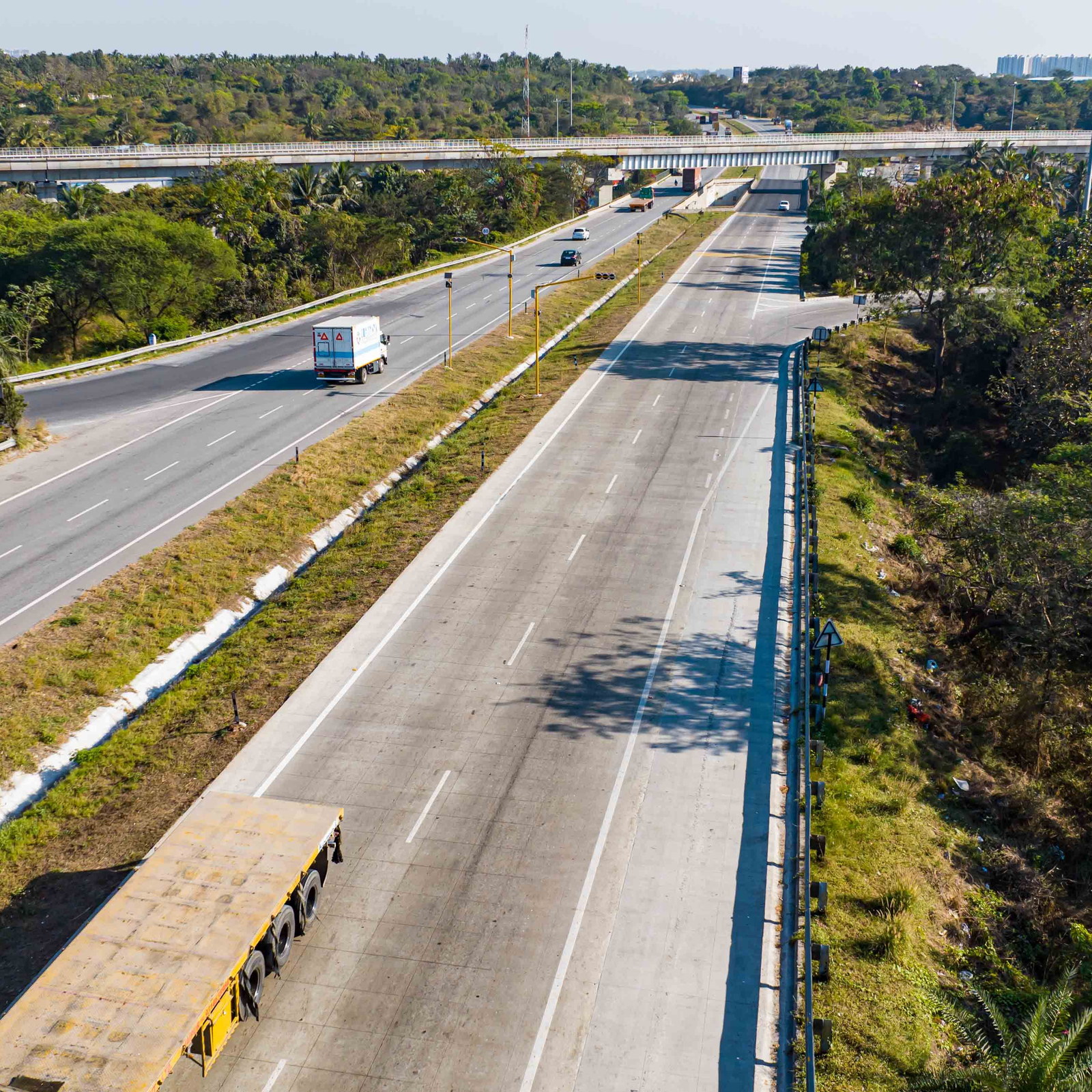
DJI Dock 3 can support highway drone inspection when a traffic-management, public-safety or road-maintenance team needs repeat views of an authorized corridor. A compatible Matrice 4D Series aircraft can fly a reviewed route, send live video or mission media into FlightHub 2, and return to the dock for the next scheduled or operator-approved mission.
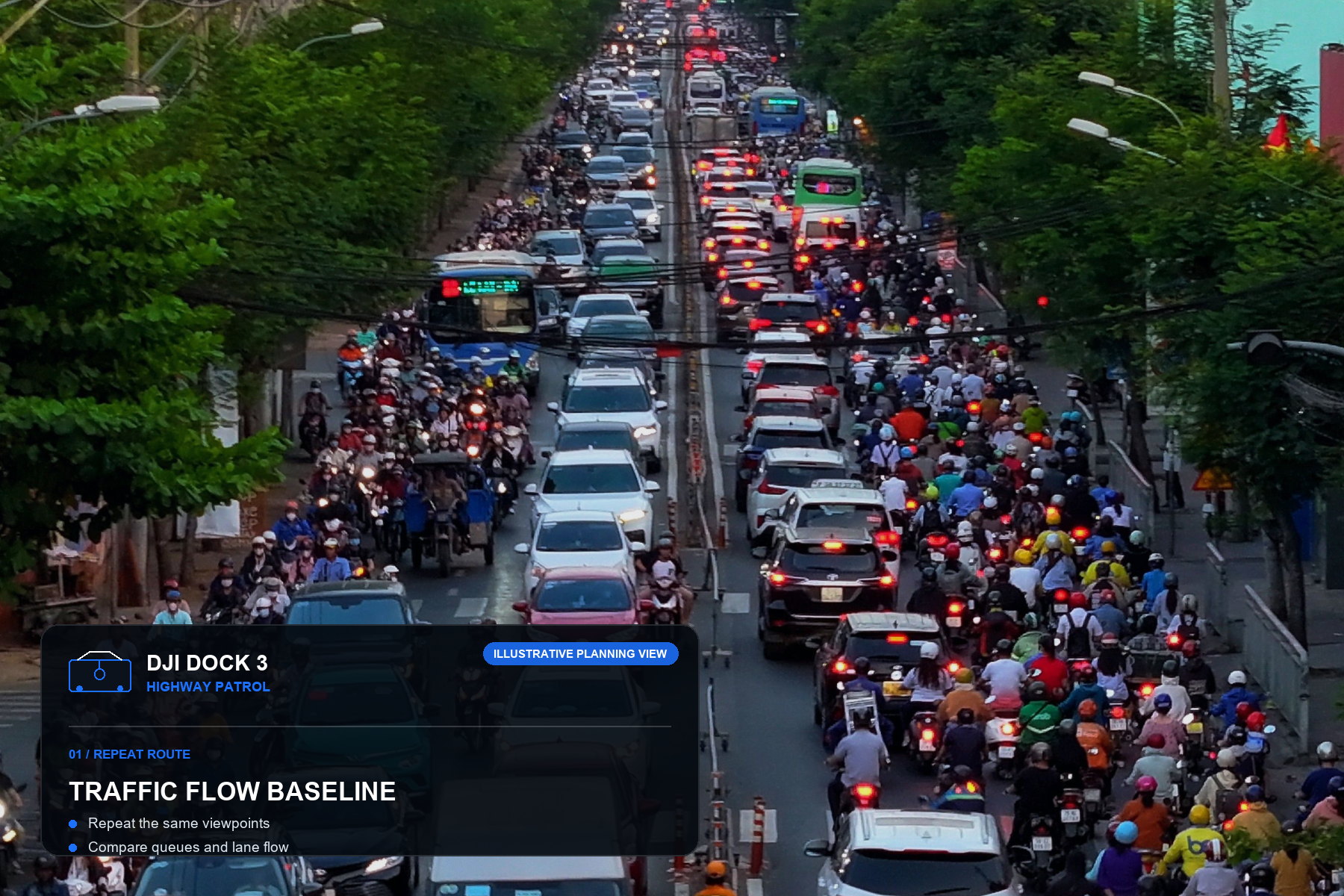
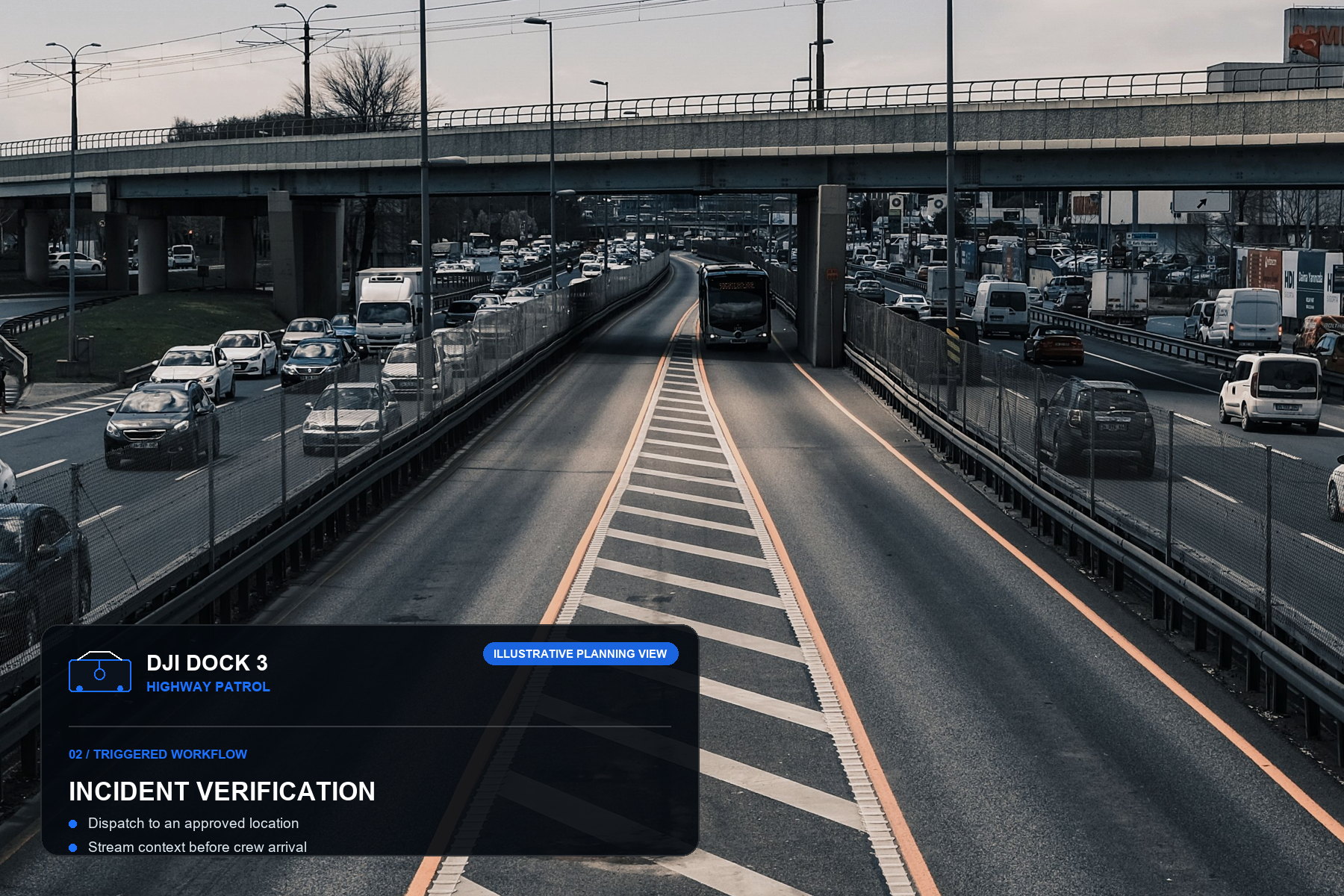
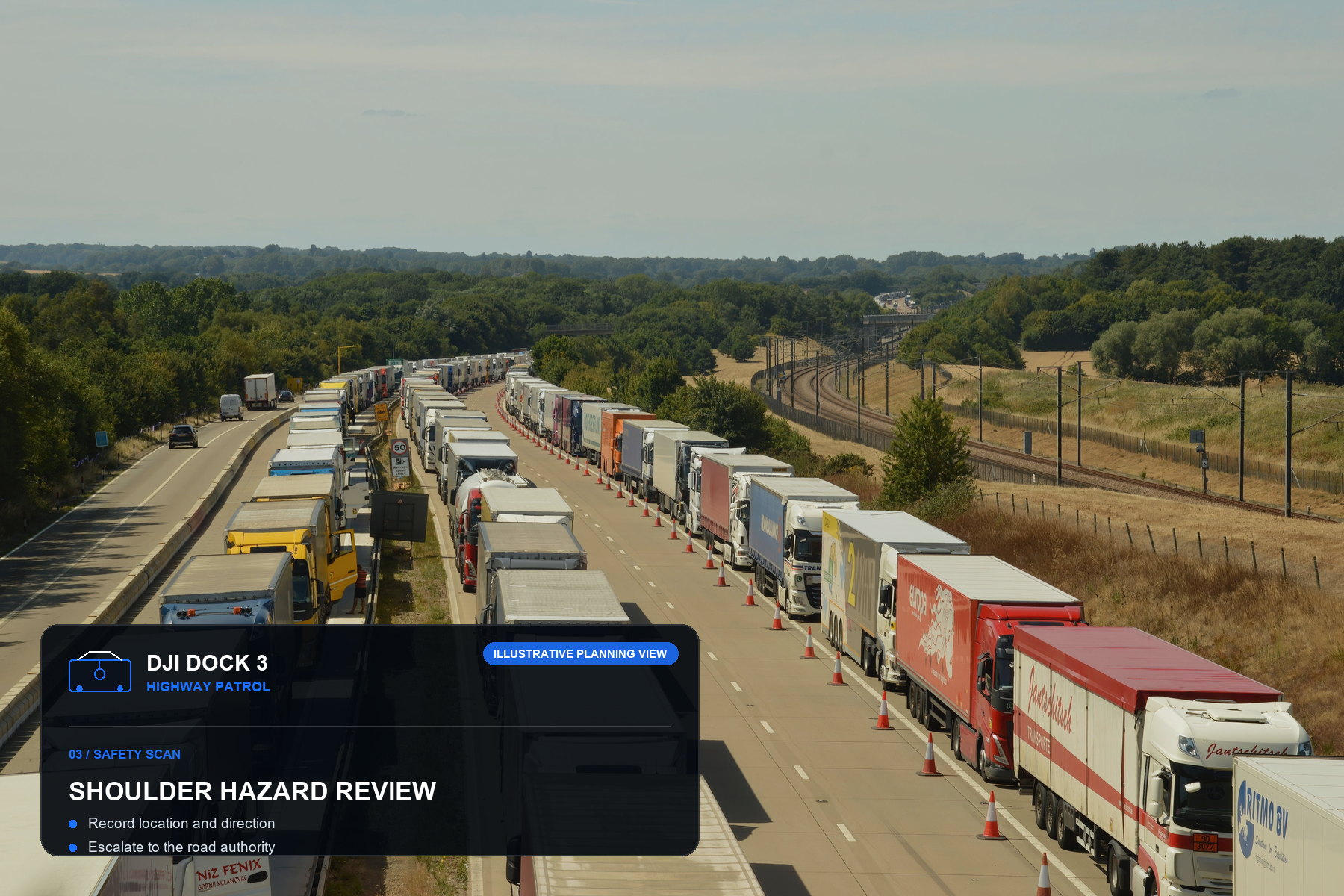
The practical value is consistency. Instead of sending an aircraft on an undefined search, the team can divide the road into named sectors, save repeat viewpoints and compare traffic flow, shoulder conditions, work zones or storm effects against a known baseline. DJI also documents triggered workflows in FlightHub 2 for incident and emergency response. A supported dock aircraft can be dispatched to a designated location after an approved trigger or operator action, while the responsible team retains supervision.
This is a situational-awareness system, not an automatic enforcement authority. Analytics may flag congestion, stopped vehicles or another suspected event, but imagery quality, local law, evidence handling and human review determine what happens next. The aircraft must also operate within local airspace rules, privacy requirements, weather limits and the road operator's safety procedure. Start with the response process, then configure the DJI Dock 3 platform around it.
See the highway patrol workflow in motion
This supplied reference video complements the planning guide with a vertical, mobile-first view of a DJI Dock 3 highway-patrol scenario.
Turn a long highway into controlled patrol sectors
A reliable program is a series of bounded routes with clear mission questions, launch limits, communication rules and named reviewers.
- 01Define the patrol questionSeparate routine traffic-flow monitoring, crash verification, stopped-vehicle review, debris screening, work-zone documentation and weather assessment. Each purpose needs a different launch trigger, camera angle and reporting priority.
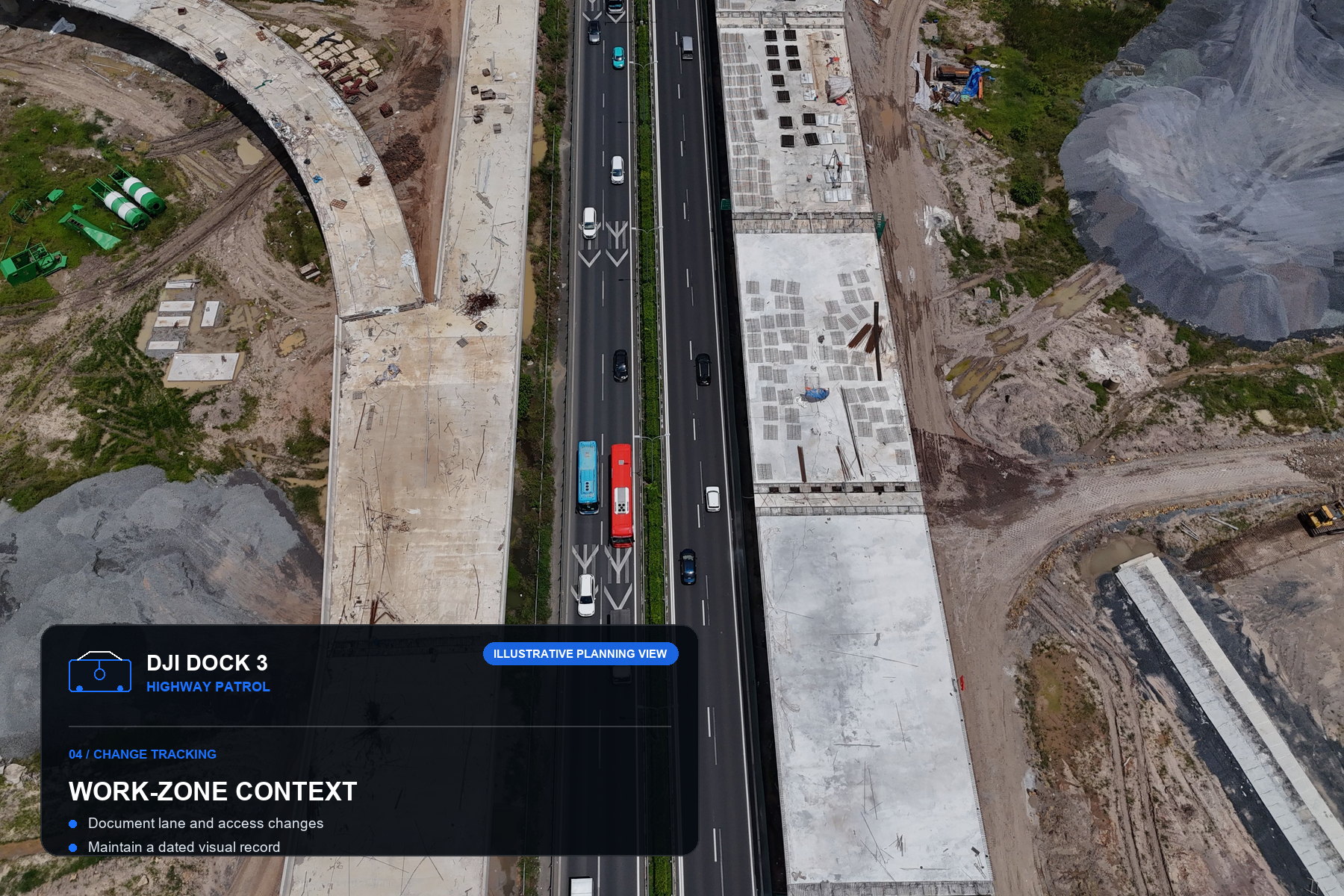
- 02Segment the corridorDivide the highway by interchanges, tunnels, bridges, service areas, high-risk curves, communications coverage and practical return paths. Give each sector a stable name so imagery, alerts and maintenance records refer to the same place.
- 03Place the dock around operationsValidate power, network, physical security, safe separation from traffic and the real route distance. A fixed dock suits repeat corridor coverage; an approved vehicle-mounted setup may support temporary deployment, but the vehicle and dock must remain stationary during aircraft operations.
- 04Build repeat routes and triggersSave conservative route geometry and consistent wide and telephoto viewpoints. Test every alert source, destination coordinate, manual override, return path and communications-loss behavior before relying on a triggered workflow.
- 05Review, hand off and archiveA trained operator should confirm the location, timestamp and image quality, distinguish an observation from a conclusion, and send only validated information into the road authority's incident or maintenance process.
Five DJI Dock 3 highway patrol views worth planning
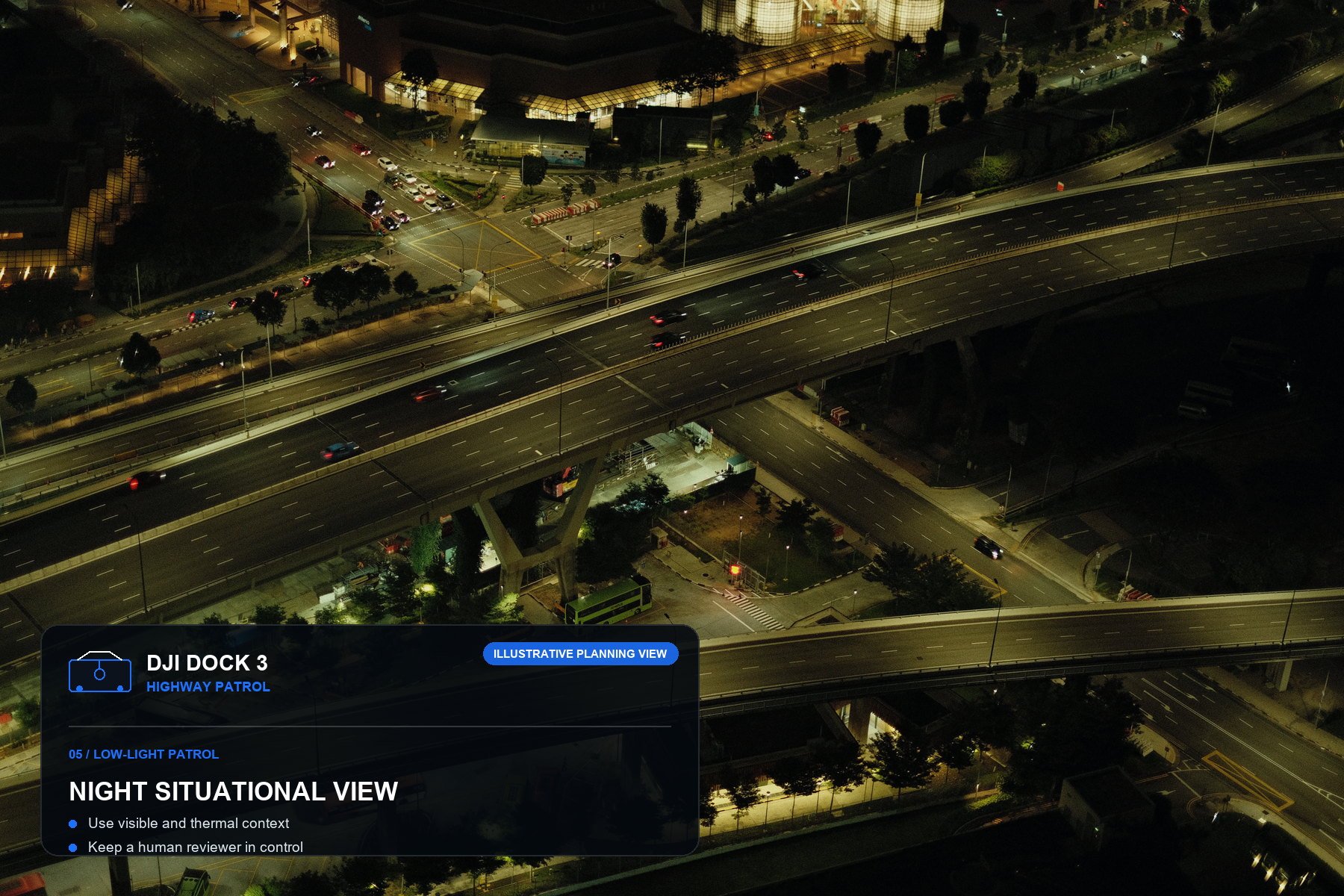
Each image combines an independently sourced Pexels photograph with an original Dock 3 mission overlay. They illustrate planning scenarios—not Aeronestdock, DJI or traffic-police customer deployments.
Buyer questions
DJI Dock 3 highway patrol FAQ
Answers for teams evaluating automated road patrol, drone traffic monitoring and coordinated incident response.
Can DJI Dock 3 support scheduled highway patrols?
Yes. DJI Dock 3 with a compatible Matrice 4D Series aircraft and FlightHub 2 can support repeat patrol routes over approved road sectors. The operator still needs site-specific risk assessment, airspace authorization, weather limits, communications coverage and a human review and escalation process.
Can DJI Dock 3 launch after a traffic incident alert?
FlightHub 2 triggered workflows can dispatch a supported dock aircraft to a designated location after an approved external trigger or operator action. The integration must be tested, the destination must be within the authorized operating area, and a trained person must supervise the response.
Should a highway program use fixed or vehicle-mounted DJI Dock 3?
A fixed installation suits repeat coverage of a stable corridor, while an approved vehicle-mounted setup may support temporary deployment or incident response. DJI states that the vehicle and dock must remain stationary during aircraft operations, and the operating team must follow all installation and parking requirements.
Can a DJI Dock 3 system automatically issue traffic violations?
Not by itself. Imagery or analytics may flag a suspected event, but any enforcement decision depends on applicable law, approved evidence procedures, system validation and authorized human review.
What information is needed for a DJI Dock 3 highway patrol quotation?
Provide the destination country, corridor length, road class, traffic pattern, patrol objectives, proposed dock locations, response-time target, airspace approvals, power and network availability, software integration needs, retention rules and delivery timeline.
Plan the system around the road workflow
Request a DJI Dock 3 highway patrol quotation
Share the corridor location and length, patrol objectives, proposed dock sites, response-time target, road authority, airspace status, communications conditions, software integrations and delivery timeline.