Application guide · Published September 4, updated October 12, 2026
DJI Dock 3 for power line inspection
Plan repeat transmission-corridor evidence around line geometry, safe clearance, changing terrain, communications coverage and a review process that turns imagery into maintenance decisions.
Quick answer
Where an autonomous dock fits
DJI Dock 3 can support scheduled power-line inspection when a utility or service provider needs repeat visual or thermal evidence from defined corridor segments. A compatible Matrice 4D Series aircraft can launch from a prepared site, follow an approved route and return imagery to FlightHub 2 for review and record keeping.
The system does not make energized infrastructure predictable, and it does not replace qualified inspection judgment. Conductors, shield wires, vegetation, terrain, roads, changing weather and electromagnetic conditions all shape the mission. Thin wires can be difficult for any sensing system to perceive consistently, so obstacle sensing must never be treated as permission to fly close to a line.
Start with a corridor risk assessment and the evidence needed by maintenance teams. Then decide whether Matrice 4TD thermal capability or the visible-light and mapping strengths of Matrice 4D better match the task. For the overall platform, compare the DJI Dock 3 buyer's guide.
Turn a long corridor into controlled inspection segments
A reliable program is a sequence of bounded routes with clear evidence requirements, abort conditions and hand-off rules.
- 01Define the inspection questionState whether the mission is documenting structures, checking insulators and fittings, screening vegetation, reviewing storm damage, collecting thermal evidence or establishing a repeat baseline. Each objective needs different distance, angle and timing.
- 02Segment the corridorDivide the line by terrain, structure type, road crossings, substations, airspace, communications coverage and practical return paths. A single long route is harder to supervise and recover than several deliberate segments.
- 03Set conservative route geometryUse the utility's approved separation distances and local operating rules. Plan lateral offset, altitude, camera angle and speed so the aircraft can collect useful evidence without depending on close-proximity obstacle detection.
- 04Validate the route on siteConfirm terrain, temporary cranes, new construction, vegetation, guy wires, distribution crossings, GNSS conditions and launch-area access. A map or previous flight does not prove the route is clear today.
- 05Review and escalateOrganize imagery by corridor, structure and date. Qualified reviewers should apply an agreed inspection standard, mark uncertain observations and send only validated findings into field verification or maintenance workflows.
Five inspection views worth planning for
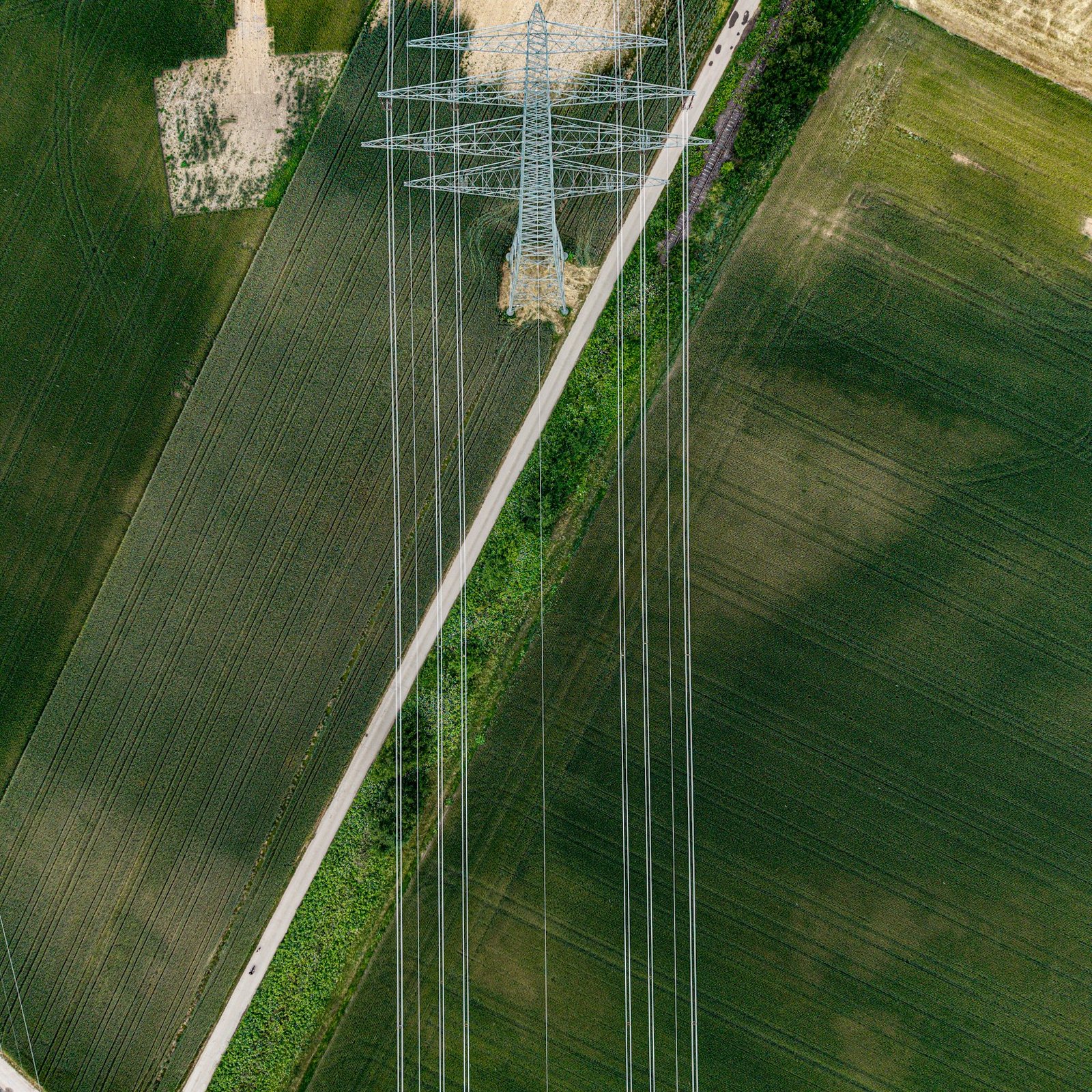
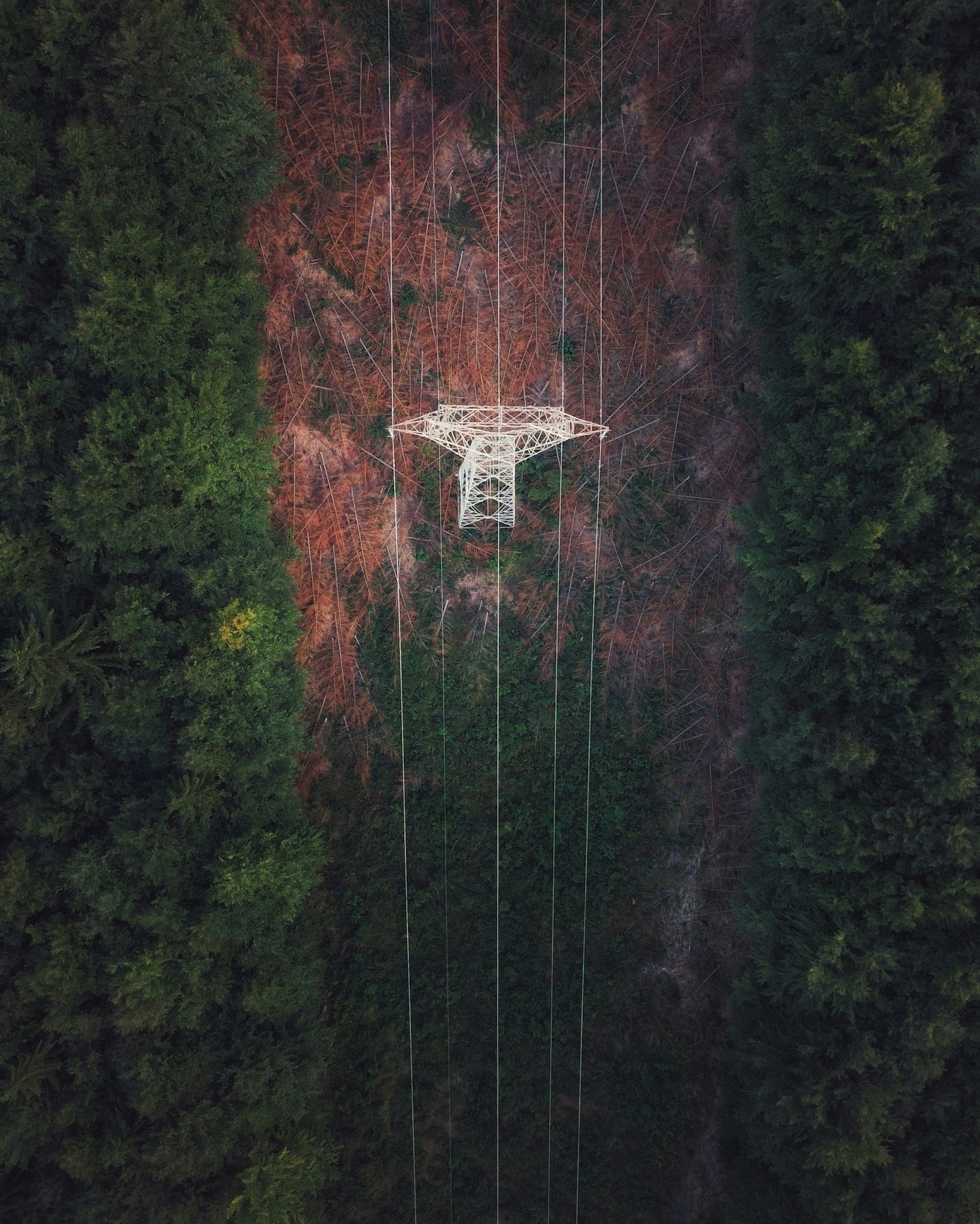
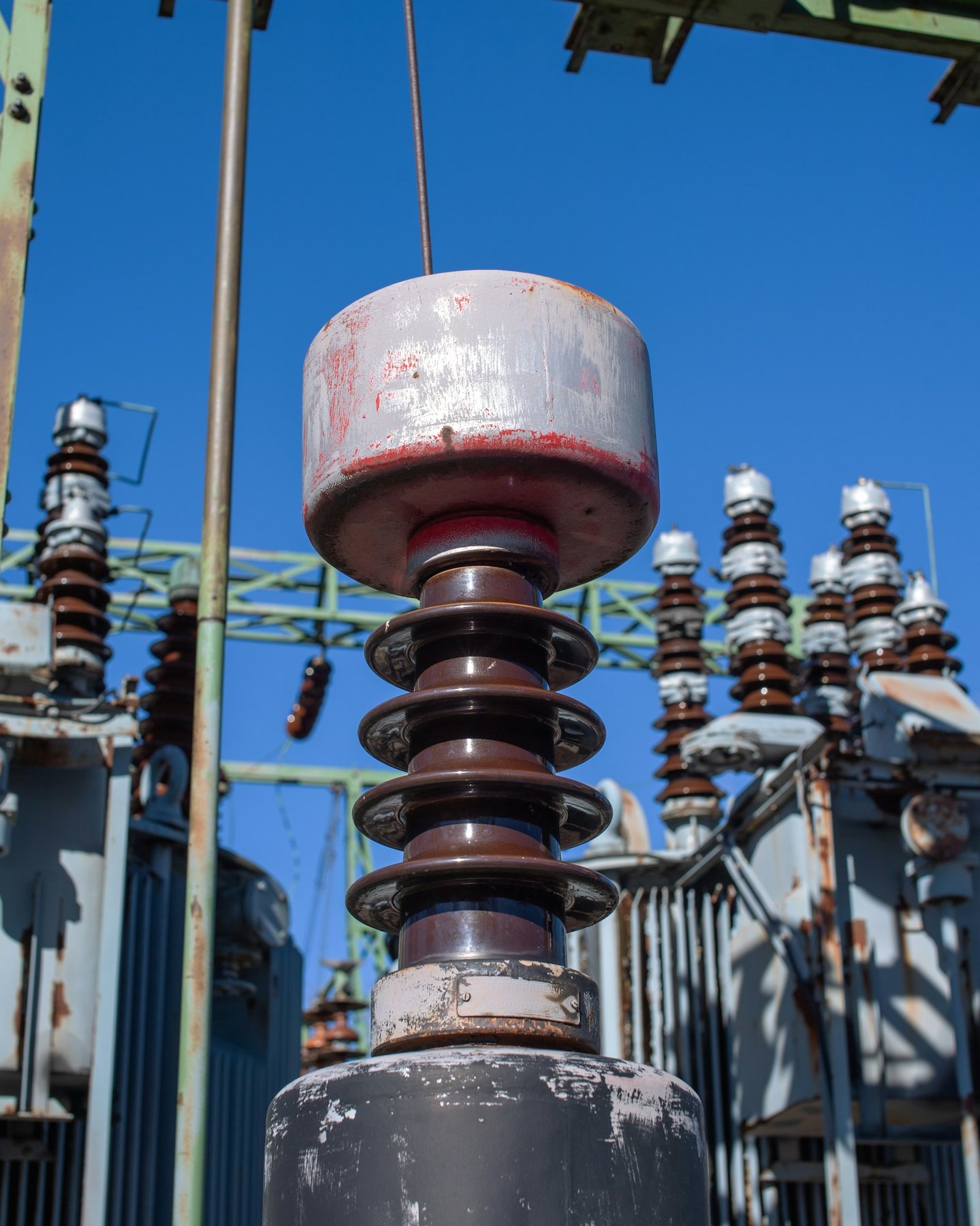
These independently sourced photographs illustrate the types of evidence a corridor program may need. They are representative inspection scenarios, not Aeronestdock or DJI customer-project claims.
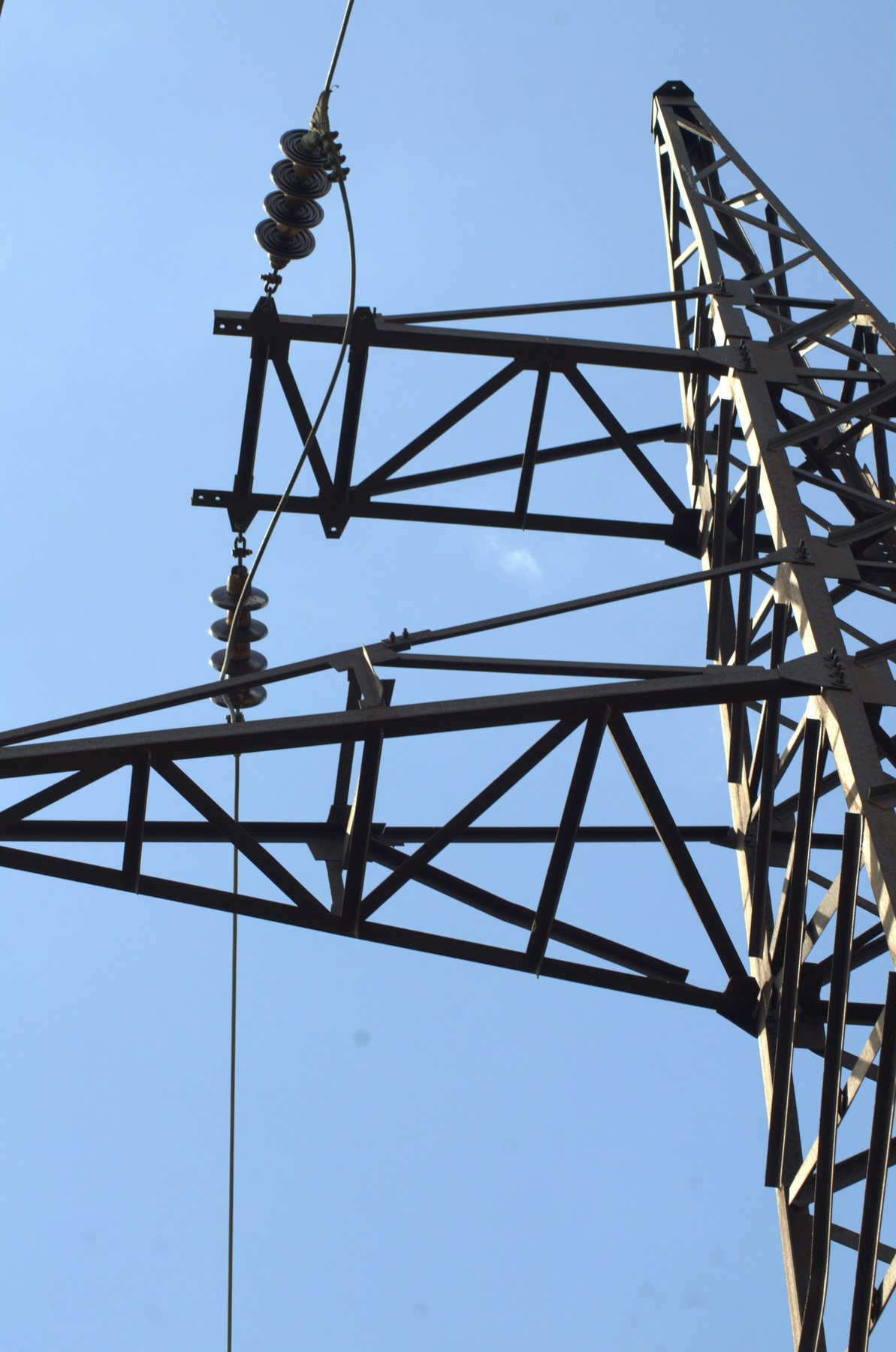
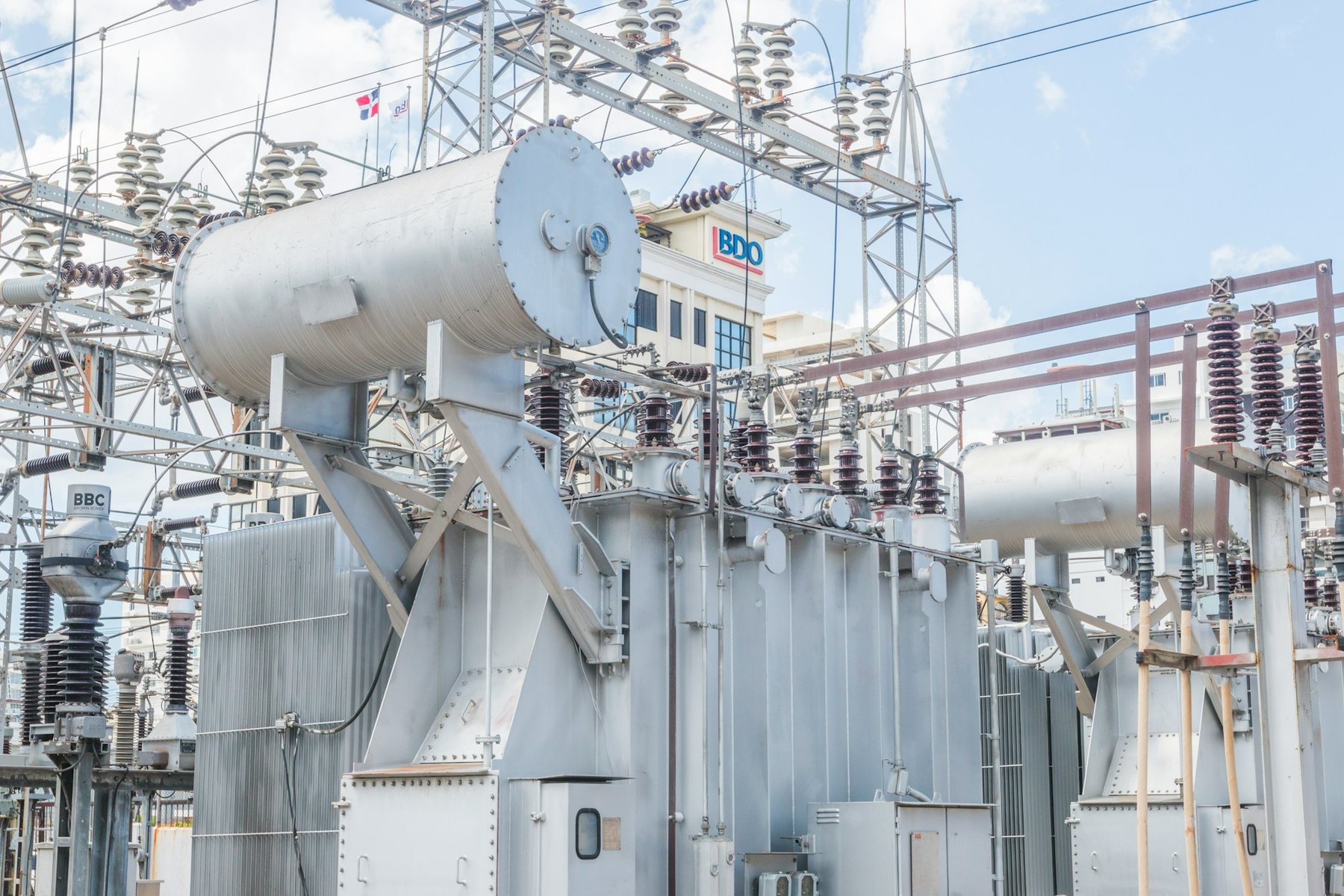
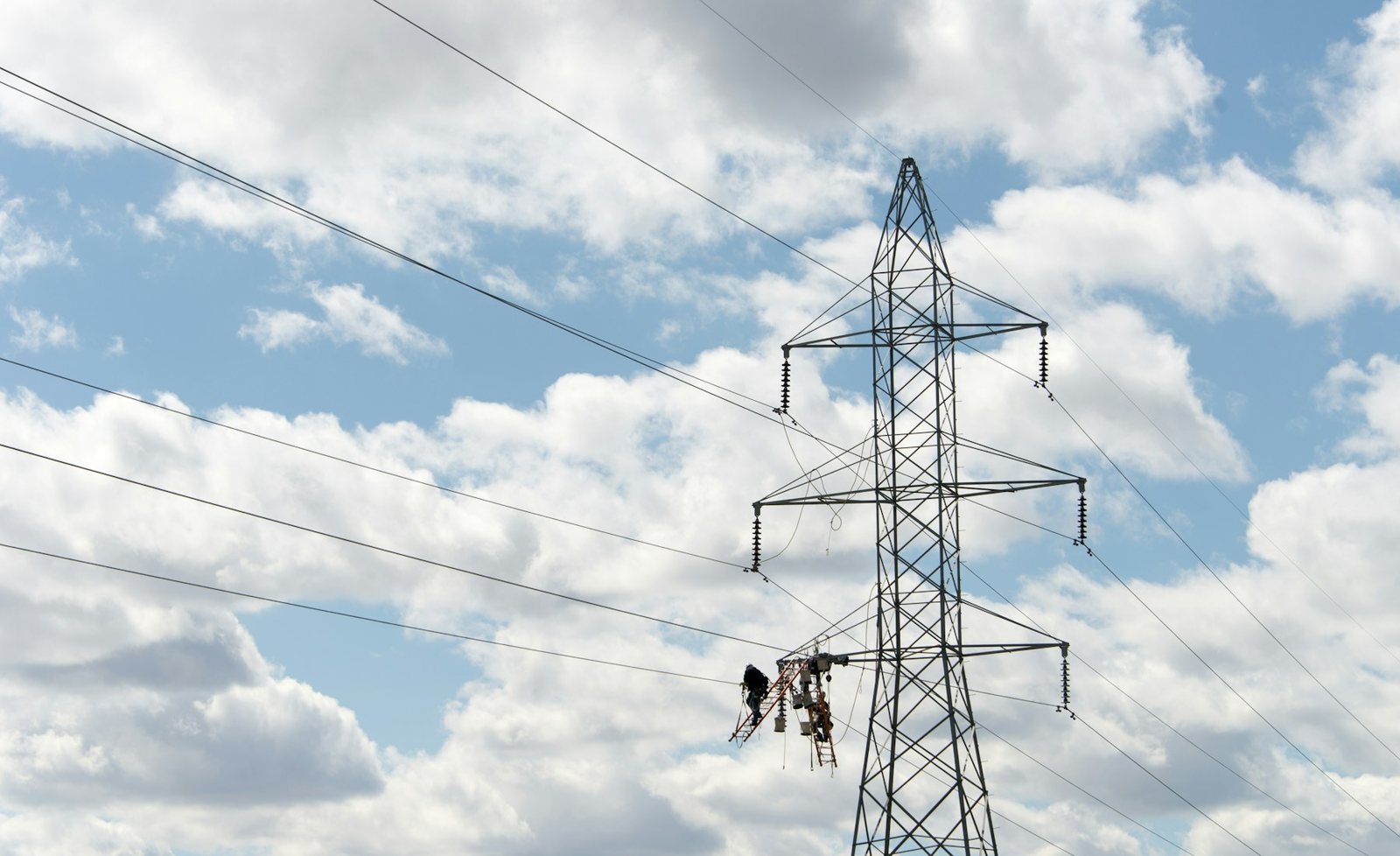
Build an inspection handoff that maintenance teams can use
A technically successful flight can still fail operationally when the images arrive without an asset name, repeatable viewpoint, finding status or responsible owner. Define this package before the pilot route is accepted. The drone inspection image guide shows why context and comparable detail belong together.
- 01Route and operating boundaryKeep the approved corridor segment, launch location, waypoint sequence, planned offsets, altitude limits, return path and any excluded volumes with the inspection record.
- 02Asset registerMap every image set to the utility's line, circuit, span, structure and component identifiers. A sharp image without an unambiguous asset reference is difficult to assign or compare.
- 03Reference viewpointsSave the wide context frame and the intended detail angles for each target type. Record which views are mandatory, which are optional and what makes a view unsuitable for comparison.
- 04Capture recordRetain mission time, aircraft and payload, relevant camera settings, weather and visibility notes, route version and operator review status so later teams can judge whether two observations are comparable.
- 05Finding and confidenceSeparate confirmed observations, suspected issues, image-quality failures and no-finding records. Do not convert an automated flag or ambiguous thermal pattern directly into a maintenance conclusion.
- 06Owner and closeoutName the qualified reviewer, escalation threshold, field-verification owner and final disposition. Link the work order or closeout evidence back to the original image set.
Buyer questions
DJI Dock 3 power line inspection FAQ
Answers for teams evaluating repeat visual and thermal transmission-corridor inspection.
Can DJI Dock 3 be used for power line inspection?
DJI Dock 3 with a compatible Matrice 4D Series aircraft can support scheduled visual or thermal evidence capture along approved power-line segments. The operator still needs a site-specific route, safe separation from energized assets, regulatory authorization, communications coverage and a human review process.
Should Matrice 4D or Matrice 4TD be used for transmission-line inspection?
Matrice 4D is suited to detailed visible-light documentation and mapping-oriented work. Matrice 4TD adds radiometric thermal imaging and low-light capability. The inspection question and required evidence should determine the aircraft, rather than assuming one sensor package fits every task.
Can obstacle sensing guarantee avoidance of conductors or shield wires?
No. Thin wires, changing backgrounds, weather, lighting and viewing geometry can limit detection. Obstacle sensing is an aid, not a substitute for conservative route geometry, approved clearances, preflight review and operational oversight.
Does DJI Dock 3 automatically diagnose power-line defects?
No. The system can collect and organize repeat imagery, but a qualified reviewer must interpret the evidence, compare it with inspection criteria and decide whether field verification or maintenance is required.
What information is needed for a DJI Dock 3 power-line inspection quotation?
Provide the destination country, corridor length, line type, voltage class, structure count, terrain, proposed dock locations, inspection objective, required visual or thermal outputs, operating permissions, network and power availability, mission frequency, software needs and delivery timeline.
- Aeronestdock visual guide to route context, comparable detail and inspection image handoff
- DJI Dock 3 and Matrice 4D Series specifications
- DJI Dock 3 FAQ and aircraft capability summary
- FAA Part 107 operating overview for United States projects
- Unsplash License for the independently sourced photographs used on this page
Plan the system around the corridor
Request a DJI Dock 3 power line inspection quotation
Share the corridor location, length and terrain, line type, inspection objective, required evidence, proposed dock areas, communications conditions, operating permissions and delivery timeline.