
Application guide · Published September 8, 2026 · Updated October 13, 2026
DJI Dock 3 for wildfire monitoring
Plan repeat forest fire patrols around high-risk sectors, thermal baselines, smoke verification, access routes, changing weather, airspace coordination and a review path that turns imagery into response decisions.
Quick answer
Where an autonomous dock fits
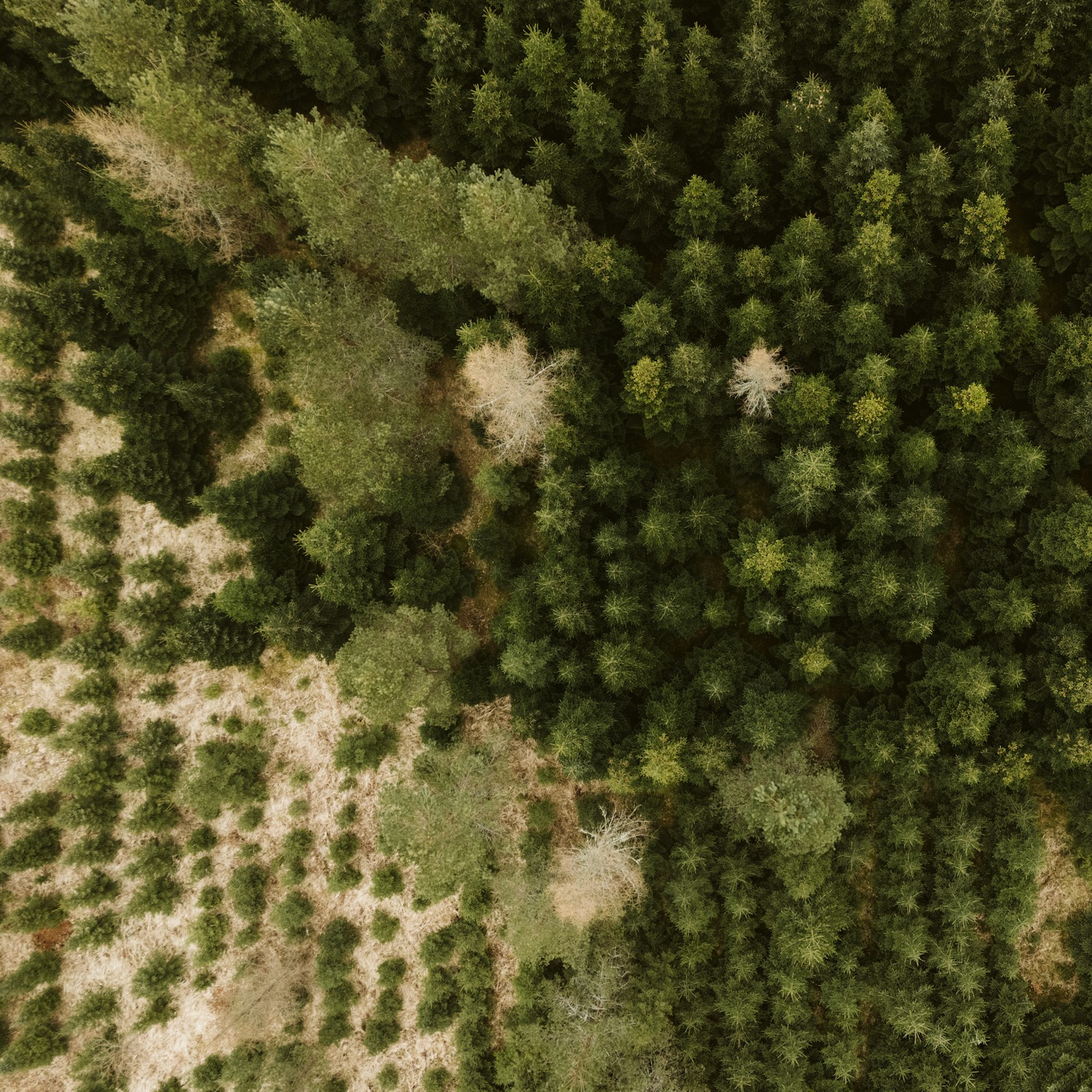
DJI Dock 3 can support scheduled forest fire patrol and wildfire monitoring when a forestry agency, land manager or emergency team needs repeat visual and thermal evidence from approved sectors. A compatible Matrice 4D Series aircraft can launch from a prepared site, follow a reviewed route and return mission imagery to FlightHub 2 for comparison, annotation and hand-off.
For heat screening, Matrice 4TD combines visible cameras with a radiometric infrared camera. DJI lists a 640 × 512 thermal sensor with spot and area temperature measurement. That capability can help locate temperature anomalies or support low-light observation, but it does not automatically confirm a wildfire. Warm rock, exposed soil, buildings, vehicles and authorized land-management activity can all require human interpretation.
A dock should complement—not replace—lookouts, cameras, satellite alerts, weather information, field crews and incident command. During an active fire, a route approved for routine patrol may no longer be safe or legal. Crew aircraft, smoke, wind, visibility and temporary flight restrictions can change the operating picture quickly. Start with the agency's response procedure, then configure the DJI Dock 3 platform around that procedure.
Turn a forest into controlled patrol sectors
A reliable program is a set of bounded missions with defined baselines, alert thresholds, abort conditions and named reviewers.
- 01Define the patrol objectiveSeparate prevention patrol, smoke verification, post-lightning assessment, active-incident support and post-fire review. Each purpose needs different timing, sensors, authority and reporting urgency.
- 02Segment the terrainDivide the operating area by slope, vegetation, prevailing access, ridgelines, water, settlements, communications coverage and practical return paths. Smaller sectors are easier to compare and suspend when conditions change.
- 03Build a repeat baselineCapture consistent wide, telephoto and thermal views of priority sectors before the highest-risk period. Record time, weather and known heat sources so later anomalies have useful context rather than standing alone.
- 04Set limits and escalation rulesDefine wind, visibility, temperature, smoke, communications and airspace limits. State who receives an alert, who checks visible and thermal evidence, and what information must be passed to the responsible authority.
- 05Verify, report and archiveA trained reviewer should confirm location and imagery quality, distinguish observations from conclusions, and preserve the route, timestamp and decision record. Field verification or emergency action belongs to the authorized response organization.
Five wildfire patrol views worth planning for
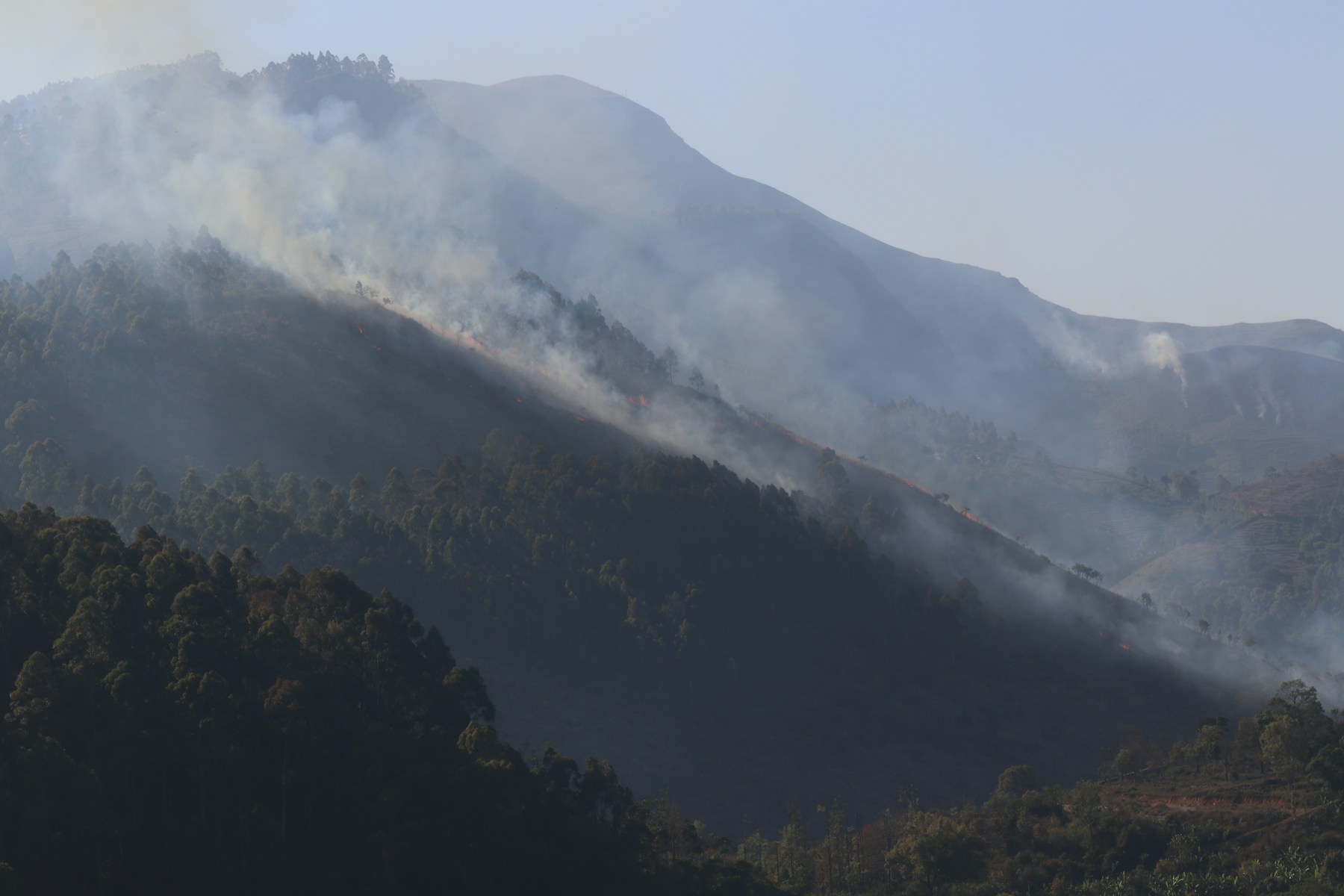
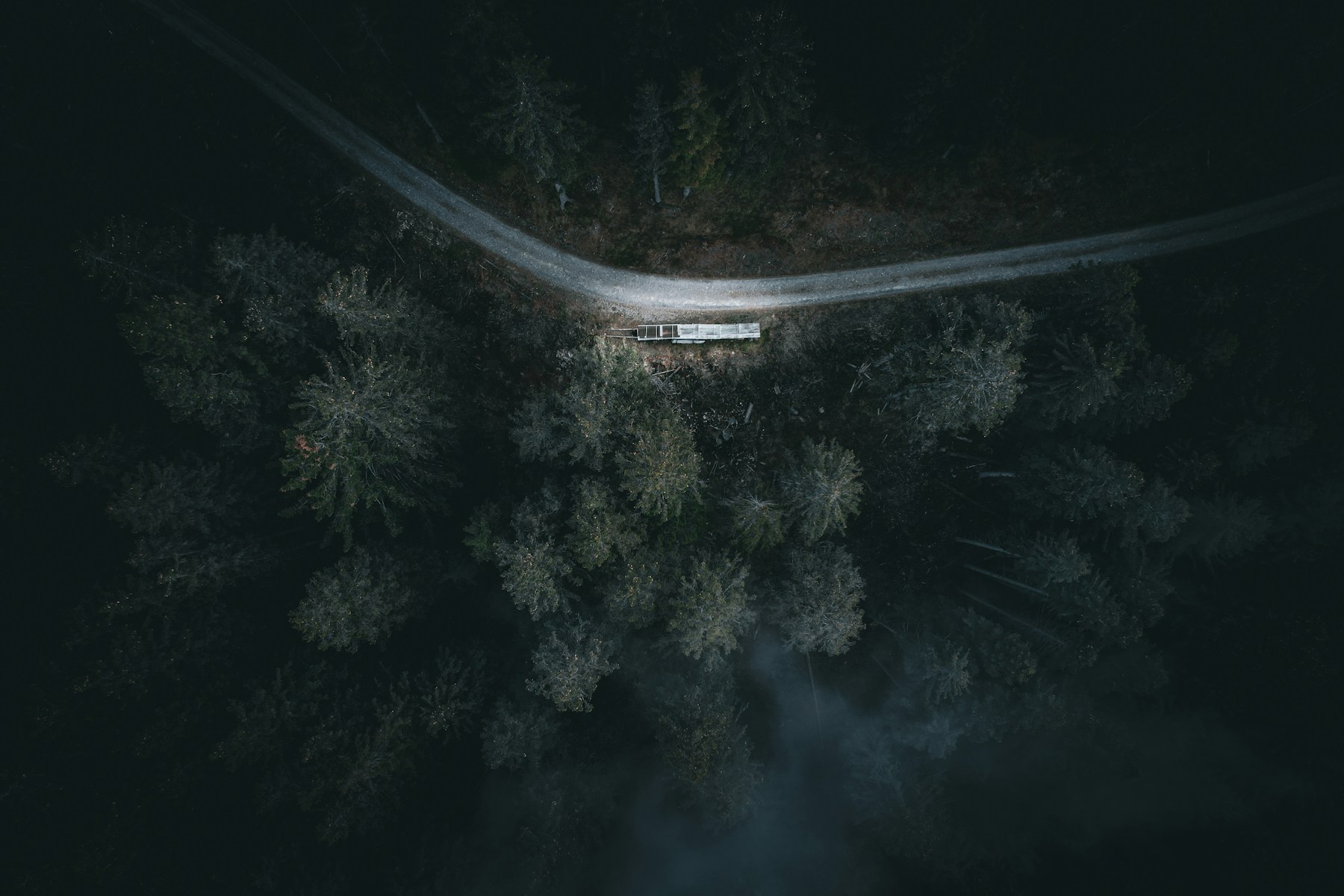
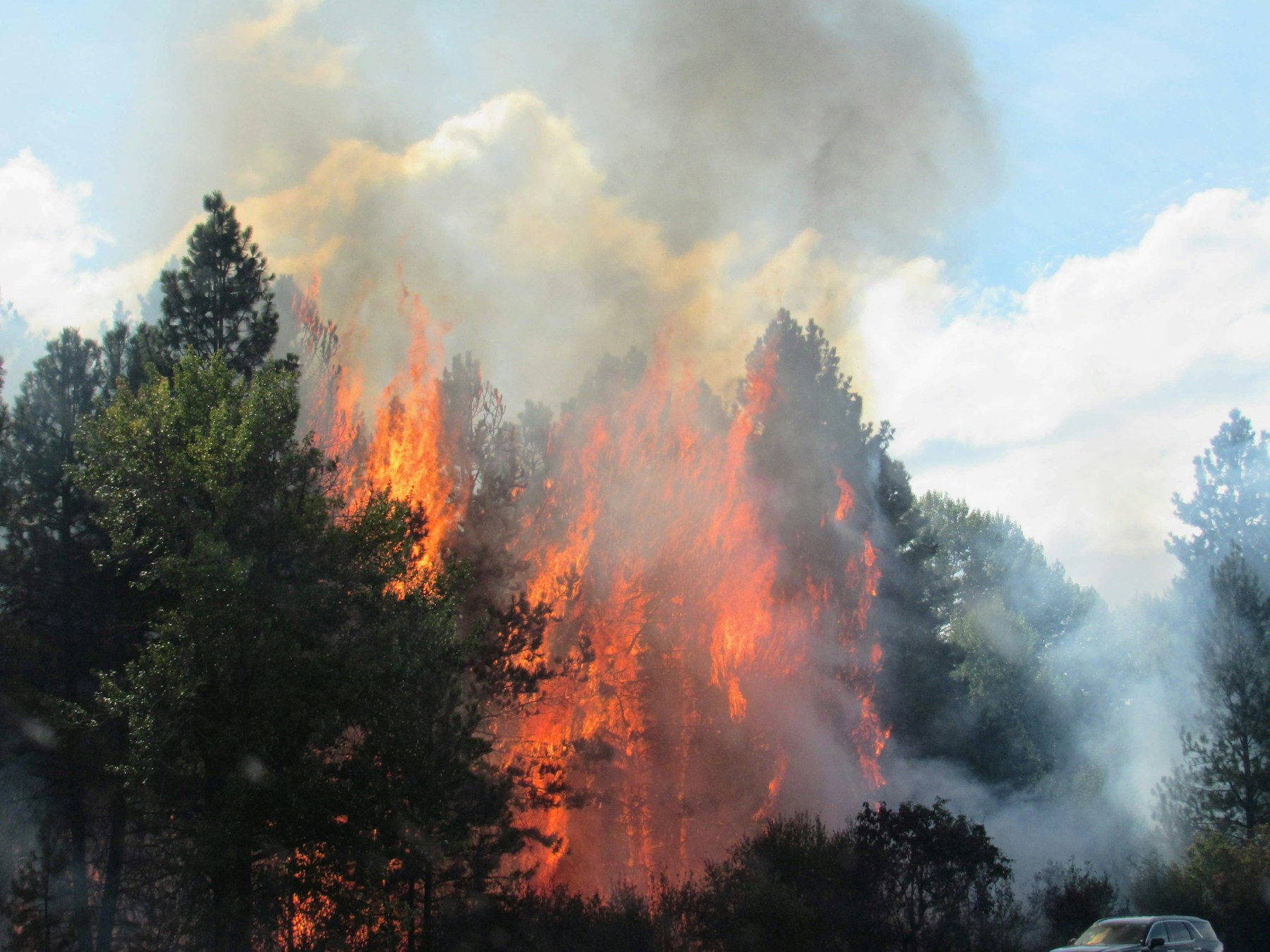
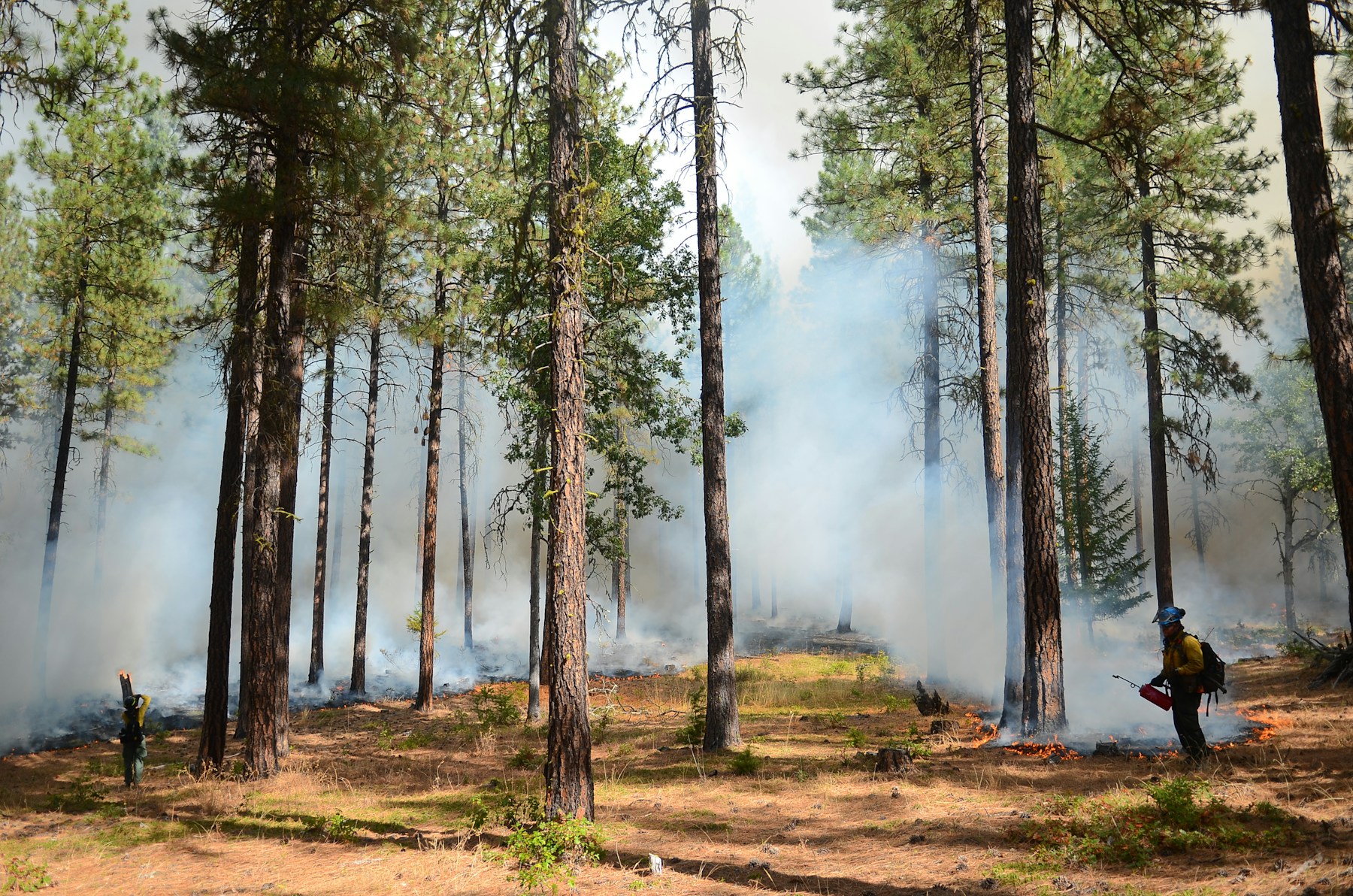
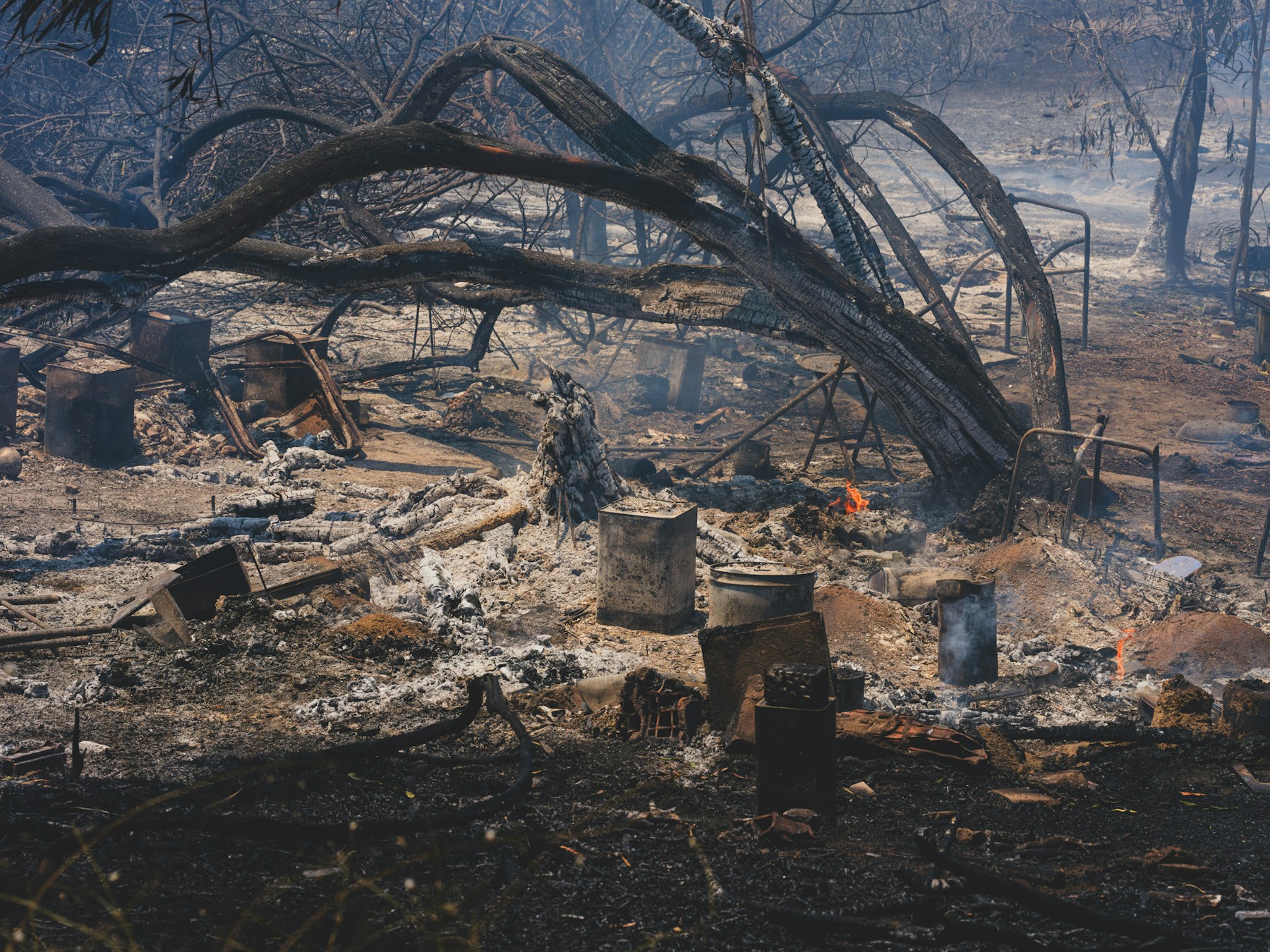
These independently sourced photographs illustrate evidence a forest-monitoring program may need. They are representative scenarios, not Aeronestdock or DJI customer-project claims.
Alert hand-off
Turn a suspected hotspot into a reviewable alert
A thermal anomaly is an observation, not an incident confirmation. Before the risk season, agree on the minimum alert packet, the person who reviews it and the authority that decides what happens next. Use consistent viewpoints from the drone inspection image-planning guide so repeat patrols are easier to compare.
- Location and capture time
- Include coordinates, named patrol sector, route ID, aircraft position, capture time and time zone. Add a wide context image so the receiving team can relate the observation to ridges, roads, water and settlements.
- Visible and thermal evidence
- Pair the thermal frame with a visible overview and, when useful, a closer view from the same mission. Preserve the original files and record the thermal palette, measurement mode and any operator annotations rather than forwarding a cropped screenshot alone.
- Baseline and known heat sources
- Show the nearest comparable baseline and note sun-warmed rock, equipment, buildings, vehicles, prescribed activity or other known sources. Label the result as an unreviewed anomaly until the responsible reviewer applies the agency's confirmation procedure.
- Conditions and data limits
- Record wind, visibility, smoke, ambient temperature, communications quality and any part of the sector that was not observed. State whether the route was completed, shortened or aborted so missing coverage is not mistaken for a clear result.
- Airspace and flight status
- Record the authorization basis, latest NOTAM or local restriction check, mission status and the contact responsible for aviation coordination. A routine route should not continue automatically when an active incident changes the airspace picture.
- Owner, decision and closeout
- Name the reviewer, acknowledgement time, decision and next action. Preserve whether the item was dismissed, scheduled for another observation, sent for field verification or escalated to the responsible incident organization.
In the United States, wildfire Temporary Flight Restrictions can prohibit drone operations without permission. The FAA says pilots must check NOTAMs before flight and coordinate with the controlling agency for authorized access. Other countries require their own current aviation and incident-command checks. A dock schedule is never a substitute for that authorization.
Buyer questions
DJI Dock 3 wildfire monitoring FAQ
Answers for teams evaluating repeat forest patrol, thermal scouting and coordinated emergency workflows.
Can DJI Dock 3 support forest fire patrols?
DJI Dock 3 with a compatible Matrice 4D Series aircraft can support scheduled visual patrols and thermal wildfire monitoring over approved forest sectors. The operator still needs site-specific risk assessment, airspace authorization, weather limits, communications coverage and a human verification and escalation process.
Why is Matrice 4TD suitable for wildfire monitoring?
Matrice 4TD combines wide, medium-tele and tele visible cameras with a radiometric infrared camera. This can help teams collect visual context and screen for temperature anomalies, but trained personnel must interpret the imagery and verify any suspected incident.
Can a thermal camera automatically confirm a wildfire?
No. Sun-warmed ground, rocks, equipment, buildings and controlled activities can also create thermal anomalies. A suspected hotspot should be checked against visible imagery, location, time, weather, known activities and the responsible agency's confirmation procedure.
Can DJI Dock 3 fly during an active wildfire?
Only when the mission is authorized and coordinated with the responsible incident or aviation authority. Unauthorized drones near a wildfire can conflict with crewed firefighting aircraft and may breach temporary flight restrictions or local operating rules.
What information is needed for a DJI Dock 3 forest fire patrol quotation?
Provide the destination country, patrol area, terrain, vegetation, seasonal risk period, proposed dock locations, visual or thermal objectives, patrol frequency, response workflow, airspace approvals, power and network availability, software needs and delivery timeline.
- DJI Dock 3 and Matrice 4D Series specifications
- DJI Dock 3 FAQ and aircraft capability summary
- FAA overview of coordinated UAS use in wildfire response
- FAA guidance on Temporary Flight Restrictions and NOTAM checks
- United States Interagency UAS Program for wildfire operations
- U.S. Forest Service guidance on drones near wildfire operations
- Unsplash License for the independently sourced photographs used on this page
Plan the system around the response workflow
Request a DJI Dock 3 forest fire patrol quotation
Share the patrol location, area and terrain, seasonal risk period, visual or thermal objectives, proposed dock sites, communications conditions, operating authority and delivery timeline.