Application guide - Published September 2026
DJI Dock 3 for solar inspection
How to plan repeat visual and thermal missions with Matrice 4TD, FlightHub 2, a prepared dock site and a review process that turns imagery into maintenance decisions.
Quick answer
Where an autonomous dock fits
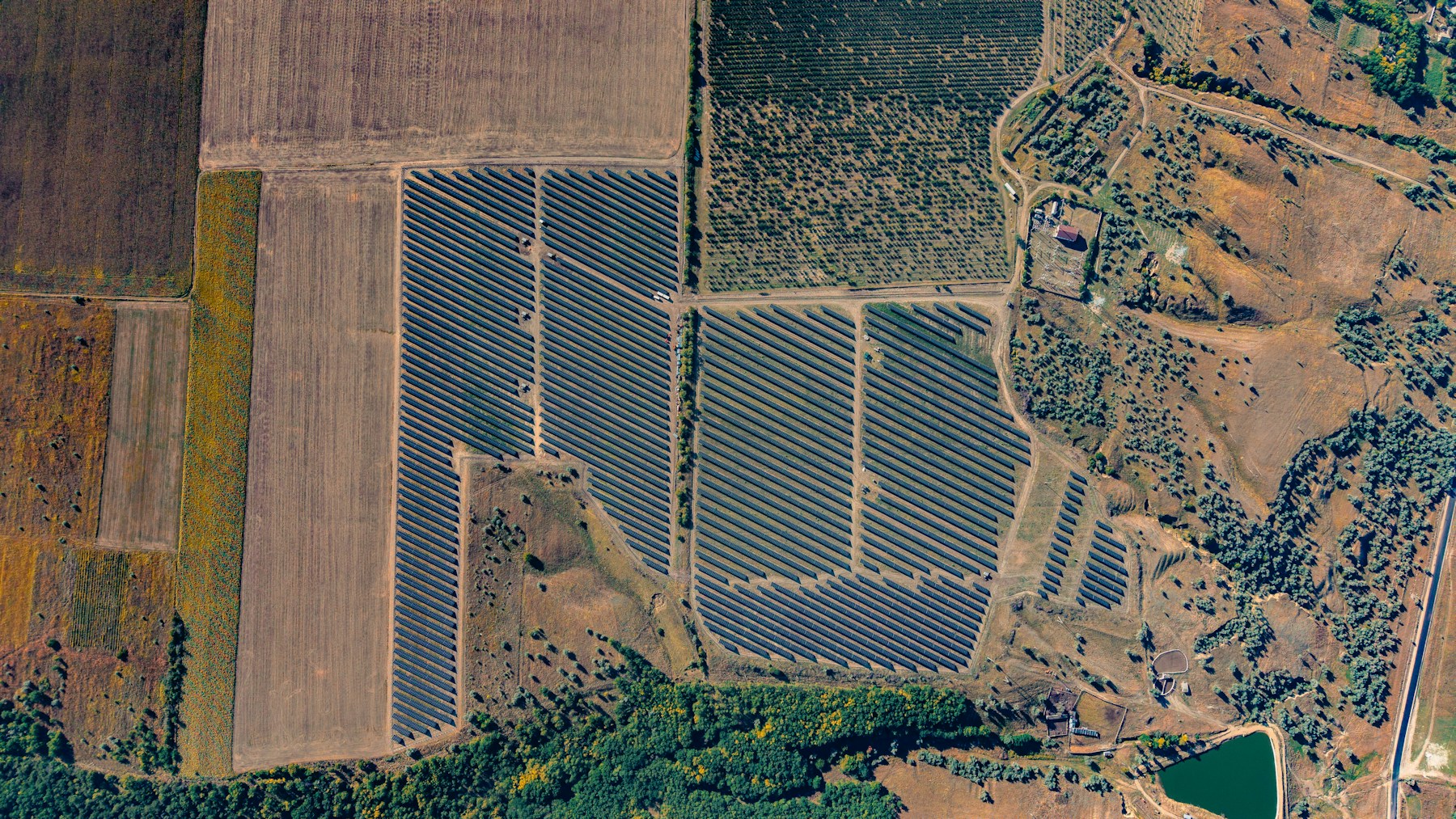
DJI Dock 3 can support scheduled solar-farm inspection when it is paired with a compatible Matrice 4D Series aircraft, a prepared launch site, reliable power and network access, FlightHub 2, and an approved operating procedure. For thermal work, Matrice 4TD is the relevant Dock 3 aircraft because it combines visible cameras with a radiometric infrared sensor.
The system is most useful when a team needs consistent coverage across a large or repeatedly inspected site. It does not turn a thermal image into a confirmed defect automatically. The value comes from repeatable capture, controlled review, documented thresholds and a clear hand-off to maintenance or ground verification.
For system specifications, aircraft compatibility and broader deployment choices, start with the DJI Dock 3 buyer's guide.
A practical solar-inspection workflow
Design the process around the maintenance question first, then choose the route, sensor settings and review method.
- 01Define the inspection objectiveDecide whether the mission is screening for temperature anomalies, documenting visible damage, checking array condition after weather, or building a repeat baseline. One route does not need to answer every question.
- 02Prepare the site and operating planConfirm the dock location, flight area, permissions, hazards, power, connectivity, GNSS visibility, weather limits, privacy requirements and escalation procedure before scheduling repeat missions.
- 03Build a repeatable routePlan consistent passes over the target blocks with suitable clearance, overlap, camera angle and speed. Keep the route stable enough that later flights can be compared meaningfully.
- 04Capture visible and thermal evidenceMatrice 4TD can collect visible and radiometric thermal imagery. Capture conditions matter: solar loading, wind, cloud, reflections and panel operating state can change the apparent temperature pattern.
- 05Review, validate and respondUse FlightHub 2 and the agreed analysis workflow to organize records, flag anomalies and compare repeat missions. Qualified staff should validate findings and decide whether a ground inspection, electrical test or maintenance action is required.
Capture planning
Match the sensor to the question
Thermal and visible imagery answer different parts of the inspection. A useful mission brief states what evidence the reviewer expects from each.
Data quality
Control what can change the thermal result
A repeat route is only useful when the capture conditions and review method are documented. Build a short field protocol before treating one mission as a baseline.
- Solar loading and panel stateRecord whether the array is operating and whether irradiance is reasonably stable during the mission. A low-load or rapidly changing condition can reduce comparability.
- Wind, cloud and recent weatherCooling and fast environmental changes can alter surface temperatures. Record the conditions with the inspection result.
- Viewing angle and reflectionsPlan the camera angle to reduce reflections and keep geometry consistent. What appears hot in one view may need confirmation from another.
- Altitude, speed and route geometrySet these around the required ground detail, safe clearance and site operating rules. Avoid changing several variables between comparison flights.
- Thermal parameters and original filesPreserve radiometric source files and document the analysis settings used by the reviewer. Do not rely only on a colorized screenshot.
- Validation and maintenance hand-offDefine who reviews an anomaly, what threshold triggers action, how ground checks are recorded and how the result closes the maintenance loop.
Before ordering
Check deployment readiness, not only aircraft specifications
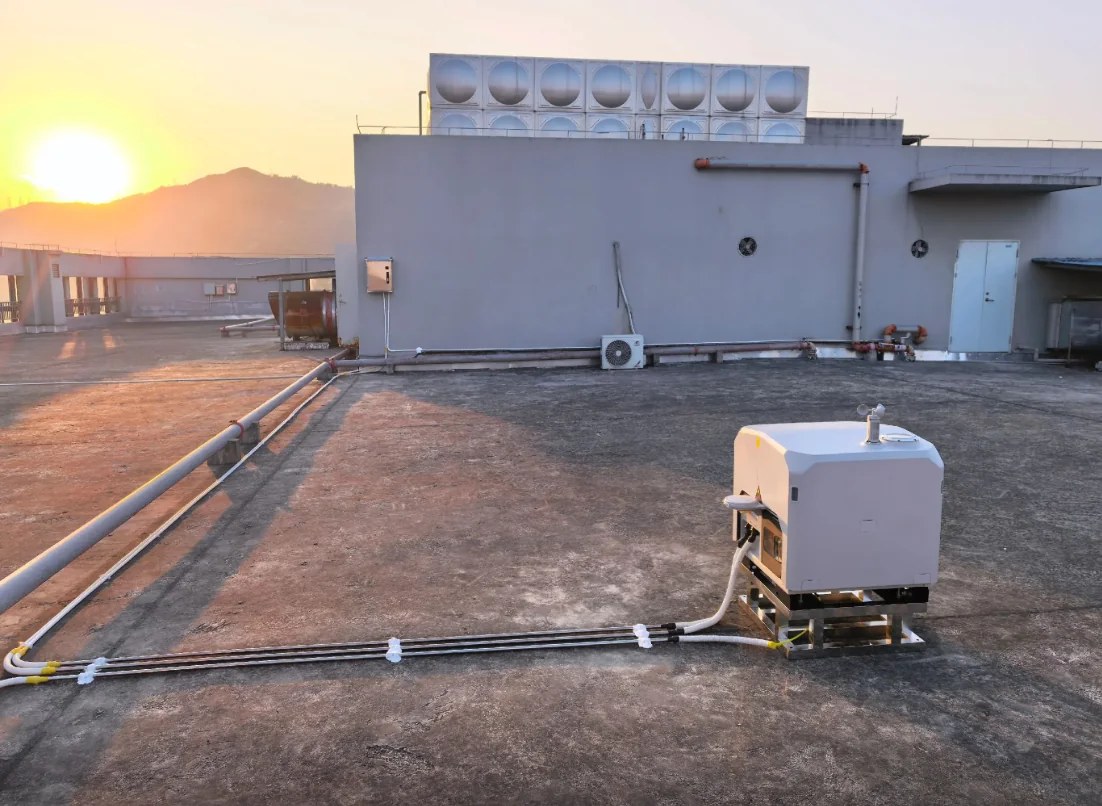
DJI lists Dock 3 for open installation environments with stable power and internet. A real project also needs a safe route, local operating authority, data ownership rules and a maintenance plan.
Use the industrial inspection case framework to see how field installation details and the response process fit around the hardware.
- Dock locationConfirm launch clearance, array obstructions, access, drainage, physical security, service space and a suitable foundation or approved mount.
- Power and networkDocument primary power, grounding, surge and lightning protection, cable routing, network performance, backup strategy and recovery after an outage.
- Mission coverageEstimate route length, block priority, battery reserve, return path and the number of dock locations required. Do not assume one dock can cover every array.
- Operating permissionsConfirm airspace, remote-operation, visual-line-of-sight, privacy and site-safety requirements with the relevant authority and local advisers.
- Software and dataDefine FlightHub 2 services, user roles, storage, naming, retention, export and any third-party analysis or maintenance integration.
- Support boundaryPut freight, duties, installation, commissioning, training, spares, software, on-site work and remote guidance in the written quotation.
Project brief
Information to include in a solar-inspection quotation request
A useful request describes the operation, not only the product name. Send the destination country, site count, approximate array footprint, layout or map, proposed dock position, inspection objective, desired mission frequency and expected visual or thermal output.
Also include available power and network, environmental conditions, current inspection method, aircraft preference, software requirements, delivery deadline and the support expected from Aeronestdock. This allows the quotation to separate the DJI Dock 3 hardware, Dock 3 and Matrice 4TD package, software, freight, optional accessories and deployment services.
Published prices are starting points for the named hardware. Installation, software subscriptions, freight, duties, taxes, local permissions and site work are included only when the written quotation says so.
Buyer questions
DJI Dock 3 solar inspection FAQ
Answers for teams evaluating a repeat visual and thermal inspection workflow.
Can DJI Dock 3 be used for solar farm inspection?
Yes. DJI Dock 3 with a compatible Matrice 4TD can support repeat visual and radiometric thermal capture over solar assets. The operating plan still needs suitable permissions, weather limits, route design, data-quality controls and qualified review.
Which DJI Dock 3 aircraft is suited to thermal solar inspection?
Matrice 4TD is the Dock 3-compatible aircraft with an infrared thermal camera. Matrice 4D is better suited to visible-light mapping and documentation when thermal capture is not required.
Does a thermal image confirm a defective solar module?
No. A thermal image identifies a temperature pattern for review. Operating state, irradiance, wind, angle, reflections, emissivity and other conditions can affect the result, so anomalies should follow a defined validation and maintenance process.
Can DJI Dock 3 inspect a solar farm continuously?
Dock 3 can support scheduled repeat missions, but it should not be described as uninterrupted inspection. Actual mission frequency depends on permissions, weather, battery cycle, network, maintenance, route length and the site's operating procedure.
What information is needed for a DJI Dock 3 solar inspection quotation?
Provide the destination country, site count and footprint, array layout, inspection objective, desired mission frequency, required visual or thermal outputs, available power and network, proposed dock location, aircraft preference, software needs and delivery timeline.
Plan the system around the site
Request a DJI Dock 3 solar inspection quotation
Share the project location, solar-farm footprint, inspection objective, mission frequency, proposed dock area, power and network conditions, aircraft preference and delivery timeline.